
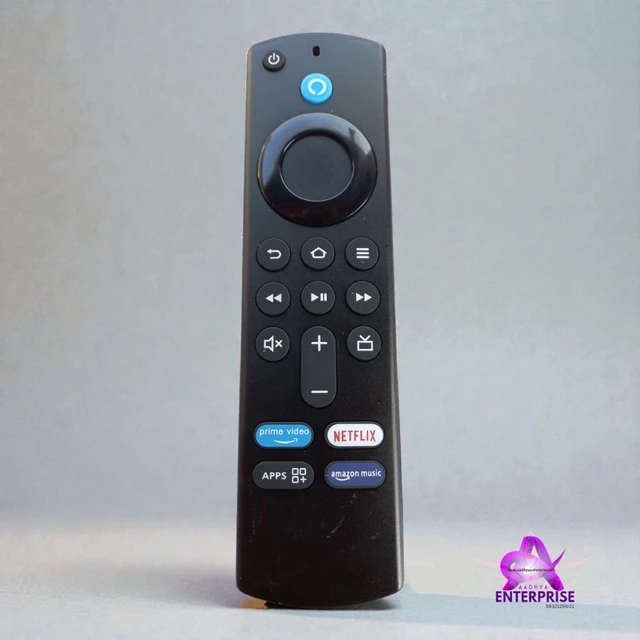

Amazon Fire Stick Remote
₹ 470 / Piece
₹ 850
45%


Turn on your TV and connect the Fire Stick properly.
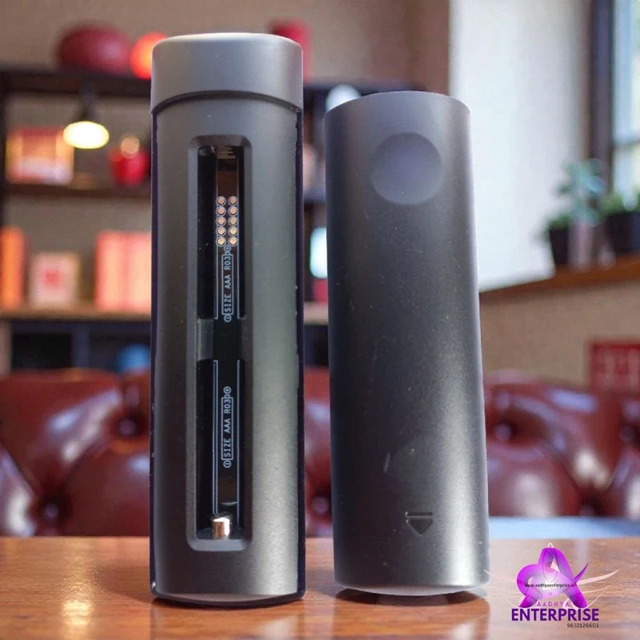
Insert new batteries into the Fire Stick remote.
Press and hold the Home (🏠) button on the remote for 10 seconds.
Wait for a few seconds until you see a message that the remote is paired.
Once paired, you can use the remote normally.
👉 If it doesn’t pair, restart the Fire Stick and try again.
🔹
Amazon Fire Stick Remote को कैसे Pair करें:-
TV चालू करें और Fire Stick को सही से कनेक्ट करें।
Remote में नई बैटरी डालें।
Remote के Home (🏠) बटन को 10 सेकंड तक दबाकर रखें।
कुछ सेकंड इंतज़ार करें, Remote Pair हो जाएगा।
Pair होने के बाद Remote सामान्य रूप से काम करेगा।
👉 अगर Pair न हो, तो Fire Stick को Restart करके फिर से कोशिश करें।
🔹
Amazon Fire Stick Remote Pair করার নিয়ম:-
TV চালু করুন এবং Fire Stick ঠিকভাবে সংযুক্ত করুন।
Remote-এ নতুন ব্যাটারি লাগান।
Remote-এর Home (🏠) বাটনটি ১০ সেকেন্ড ধরে চাপুন।
কিছুক্ষণ অপেক্ষা করুন, Remote Pair হয়ে যাবে।
Pair হয়ে গেলে Remote স্বাভাবিকভাবে কাজ করবে।
👉 Pair না হলে Fire Stick Restart করে আবার চেষ্টা করুন।
Reviews and Ratings


No Customer Reviews
Share your thoughts with other customers
